


Korea · Japan trip planner
Itinerary, bookings, interpreting, routesKorea and Japan, TripNaru does it all.
- ItineraryBuilds an itinerary around your dates and interests.
- BookingsBook and manage hotels, restaurants and activities.
- InterpretingReads menus and signs, interprets conversations.
- RoutesTransit and walking routes between places, with travel time.
Choose a city to continue
How it works
From conditions to the trip
Enter your conditions and get a day timetable with travel times.
10 cities
Picked the city, but not the places yet?
Attractions, restaurants, shopping and events by city. A card opens that city in Scenes.


Scenes
See public videos before you go
Attractions, restaurants, shops and events gathered from public TikTok, YouTube and Instagram posts. Playback runs in each platform’s official player.
- TikTok
- YouTube



Events · Editorial
Event dates, venues and the editors’ notes
Check event photos, dates and venues, then read Momo and Pico’s notes before you visit.


Loading public articles
In trip
On the ground, the app continues
What the app does changes with the time of the same itinerary. The example screen shows the 12:30 moment.
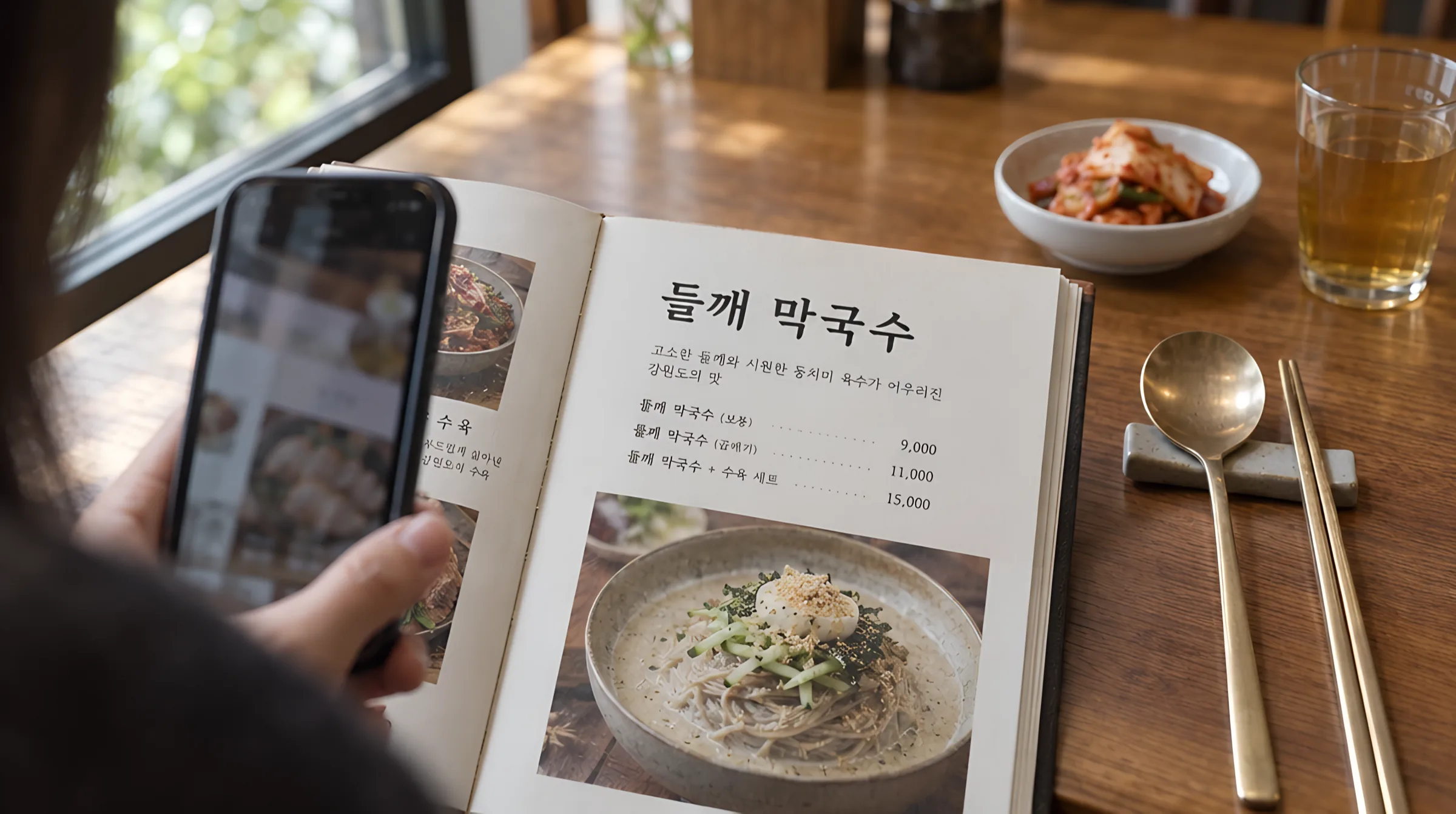
Perilla makguksu (regular) ₩9,000
deulkkae makguksu · botong
Question for the staff
Is it spicy?
맵지 않나요?
- 09:40
Hotel check-in
Booking status and check-in notes on the itinerary screen.
- 12:30
Menu and sign translationExample screen
Point the camera at a menu or sign to read it in your language and prepare a question for staff.
- 19:10
Conversation interpreting
Say it in your language, deliver it in the local one, and read the reply back.
Prepare your trip with TripNaru
Explore cities and places, then prepare your trip on the web. The app's Trip guide helps with booking information, menu and photo translation, and conversation interpreting.
Frequently asked questions